Bitwarden vs 1Password: Open Source Security Comparison – Which Password Manager is Right for You?

Bitwarden vs 1Password: Open Source Security Comparison
Short answer: If open-source transparency and third-party auditability are your top priorities, Bitwarden—whose core components are open source—generally offers stronger visibility and verifiability. 1Password emphasizes a polished user experience and strong proprietary protections; it publishes transparency reports and undergoes independent audits, but it is not open source. Both are secure choices when configured correctly. The deciding factors are whether you prioritize code transparency, advanced enterprise features, or an integrated user experience.
Why this comparison matters
Password managers protect a person’s or an organization’s keys to the digital world. Their security guarantees are a combination of cryptography, implementation, development practices, and operational transparency. For many users, the single most important differentiator is whether the code that handles secrets is available for inspection and reuse. That is where the open-source security conversation begins.
Quick feature snapshot
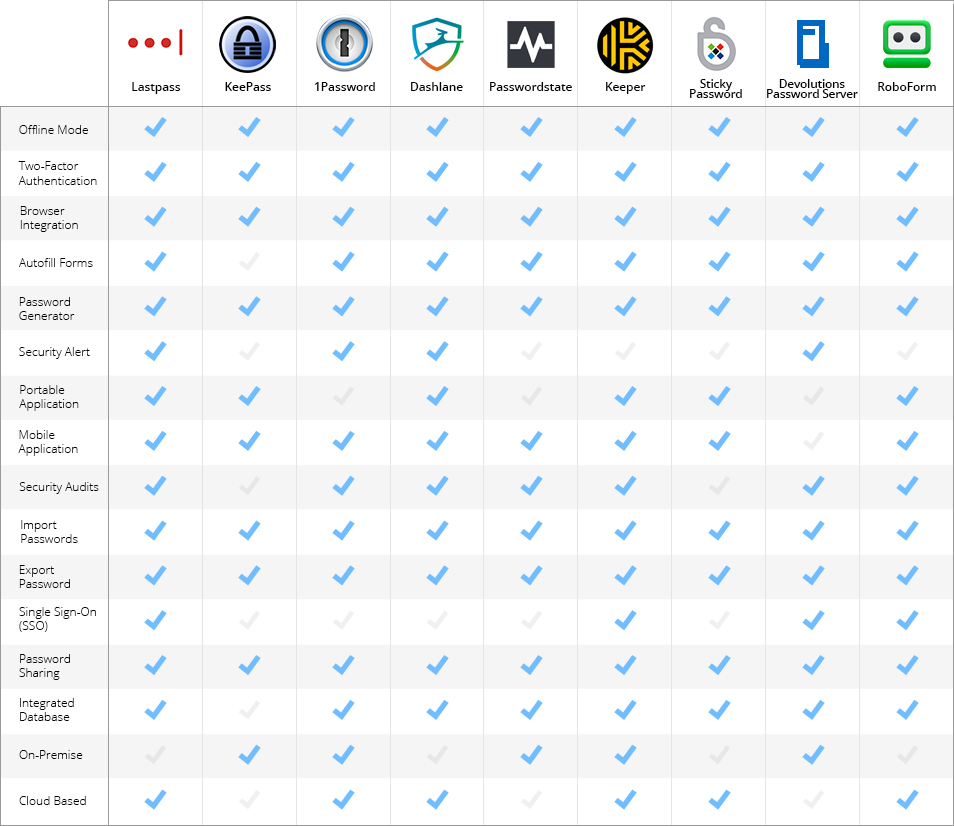
- Bitwarden: Core server and client code are open source, with some proprietary components for hosted cloud services and premium/enterprise features. Uses end-to-end encryption with client-side vault encryption. Community- and self-hosting-friendly.
- 1Password: Closed-source clients and server. The architecture emphasizes strong cryptography, bespoke secret sharing and account recovery (such as the Secret Key), and polished cross-platform UX. The company undergoes third-party audits and publishes technical materials, but the code is not publicly available.
- Benefits: Auditability, reproducibility, community trust, self-hosting options, reduced vendor lock-in.
- Limitations: Open source alone does not guarantee security. Secure defaults, build reproducibility, active maintenance, and strong operational security still matter.
- Bitwarden: Because much of the code is public, audits can be more comprehensive in practice—auditors can inspect source and also test self-hosted deployments. Bitwarden publishes select audit results and engages third parties for security and penetration testing.
- 1Password: 1Password commissions independent security reviews and publishes technical papers and audit summaries. Audits of closed-source code rely on vendor-provided binaries, source access under NDA, or black-box testing. This still produces valuable assurance, but it lacks the continuous community review that open source enables.
- Protection against server compromise: Both encrypt data client-side, so a server breach should not expose plaintext. 1Password’s Secret Key adds extra protection against credential-only attacks, while Bitwarden’s open model allows independent verification of the client-side encryption implementation.
- Supply-chain attacks: Open source reduces some supply-chain risk because packages can be inspected and reproduced, and self-hosters control deployment. However, open-source projects are not immune to malicious contributions or compromised build systems—reproducible builds and rigorous contributor review are essential.
- Insider risk or vendor coercion: Open source gives you the ability to self-host and remove dependence on a vendor. With 1Password you rely on the vendor’s operational security and legal posture; the company mitigates risk through encryption and key management, but you cannot independently host the canonical implementation.
- The number of key derivation iterations and the choice of KDF (PBKDF2 versus Argon2).
- Secure handling of in-memory secrets and zeroing strategies.
- Transport-layer protections and certificate pinning for API calls.
- Update mechanisms—are they signed, and are builds reproducible?
- SSO and provisioning: Both support SSO (SAML, OIDC) and integrate with major identity providers. 1Password offers mature enterprise tooling and polished provisioning flows; Bitwarden supports enterprise identity integrations and is often chosen for its flexibility and self-hosted SSO setups.
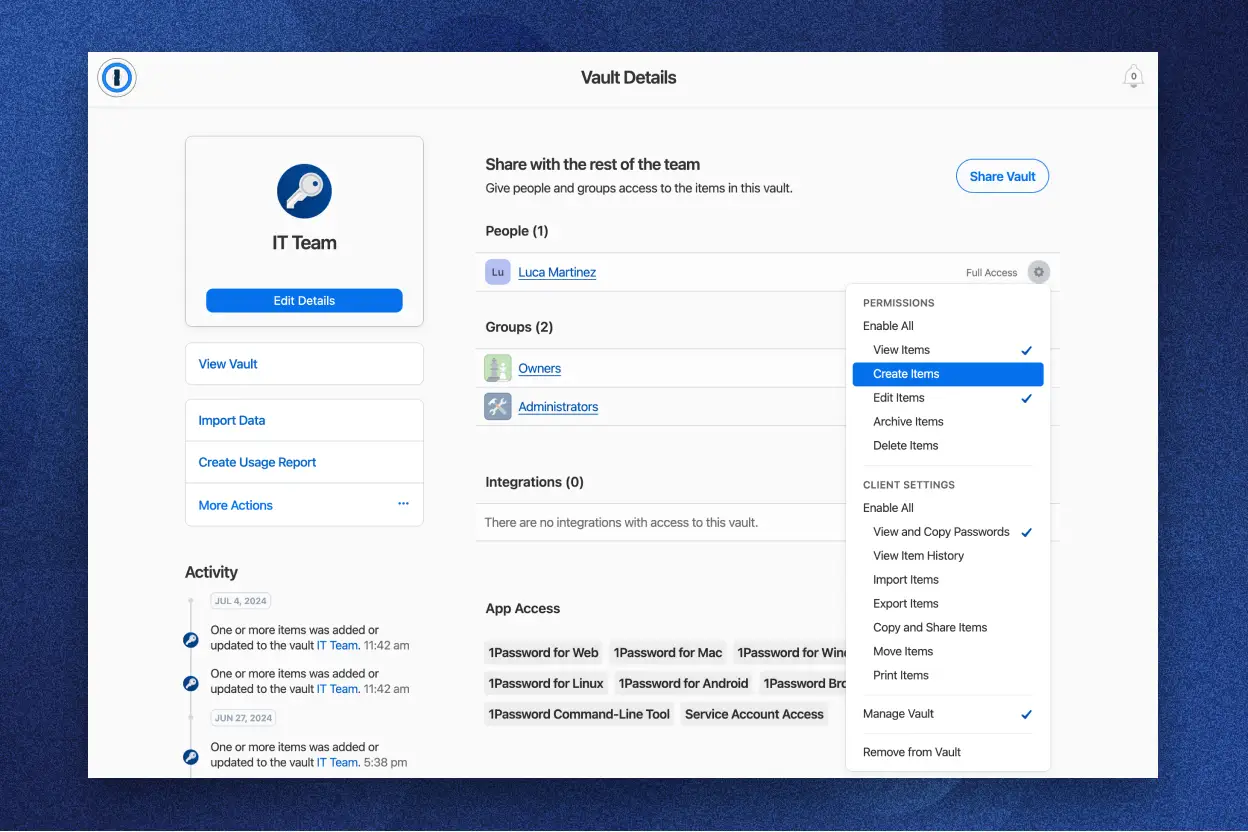
- Access and role controls: Both offer roles, organization-level policies, and logging. Evaluate the granularity you need—1Password tends to emphasize a streamlined admin experience, while Bitwarden exposes a more transparent configuration surface for administrators who want fine-grained control.
- Recovery and emergency access: 1Password’s Secret Key and account recovery design shape how recovery is managed. Bitwarden supports emergency access and administrative recovery options; self-hosters can tailor recovery processes to organizational policy.
- You prioritize open-source transparency, self-hosting, or vendor independence: Bitwarden is the natural choice. You can inspect and host the server, verify client behavior, and benefit from community review. Make sure you keep your self-hosted instance patched and follow operational best practices.
- You prioritize a polished UX, enterprise support, and a turnkey managed service: 1Password is an excellent option, offering strong cryptography, additional protections such as the Secret Key, and mature admin tooling. Accept the trade-off that you rely on vendor-controlled software.
- You are an organization with strict compliance needs: Compare both products against your regulatory requirements, including data residency, audit logs, and SOC/ISO reports. Bitwarden’s self-hosting can simplify compliance with data residency rules; 1Password’s certifications and enterprise contracts may fit other frameworks better.
- Confirm your threat model: server compromise, device theft, insider threats, or supply-chain risk.
- Review current third-party audits and transparency reports for both vendors.
- Check key derivation and cryptographic parameters against your organization’s standards.
- If self-hosting, evaluate operational capabilities: patching, backups, and high availability.
- Test the UX with your team—autofill performance, mobile support, and cross-browser behavior.
- Verify that SSO, provisioning, logging, and recovery workflows match your policy needs.
- Bitwarden’s official documentation and security resources for encryption details, self-hosting guidance, and published audit reports.
- 1Password’s security whitepaper and trust center for its cryptographic design, Secret Key model, and third-party audit summaries.
How they handle encryption and key management
Bitwarden
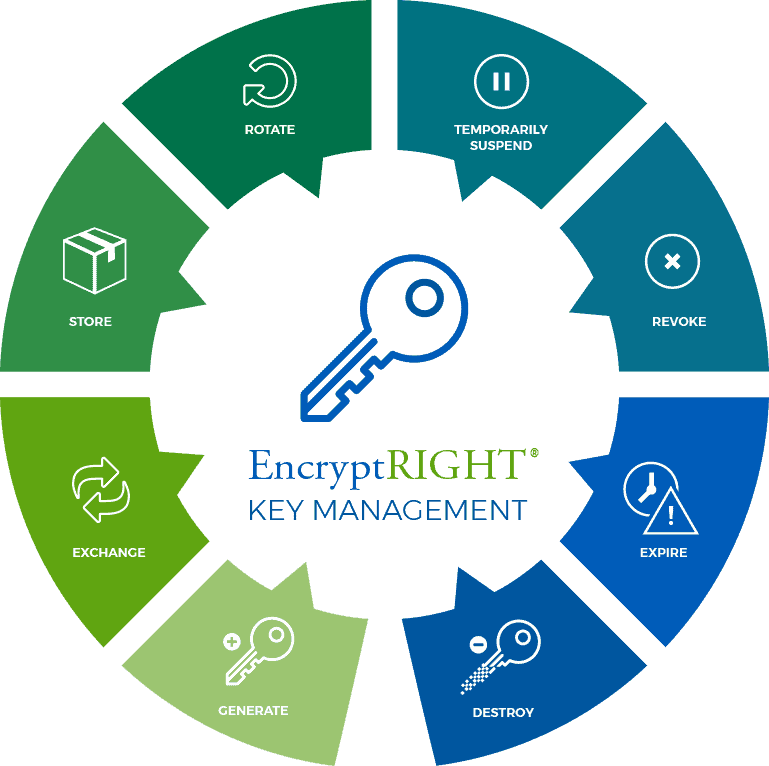
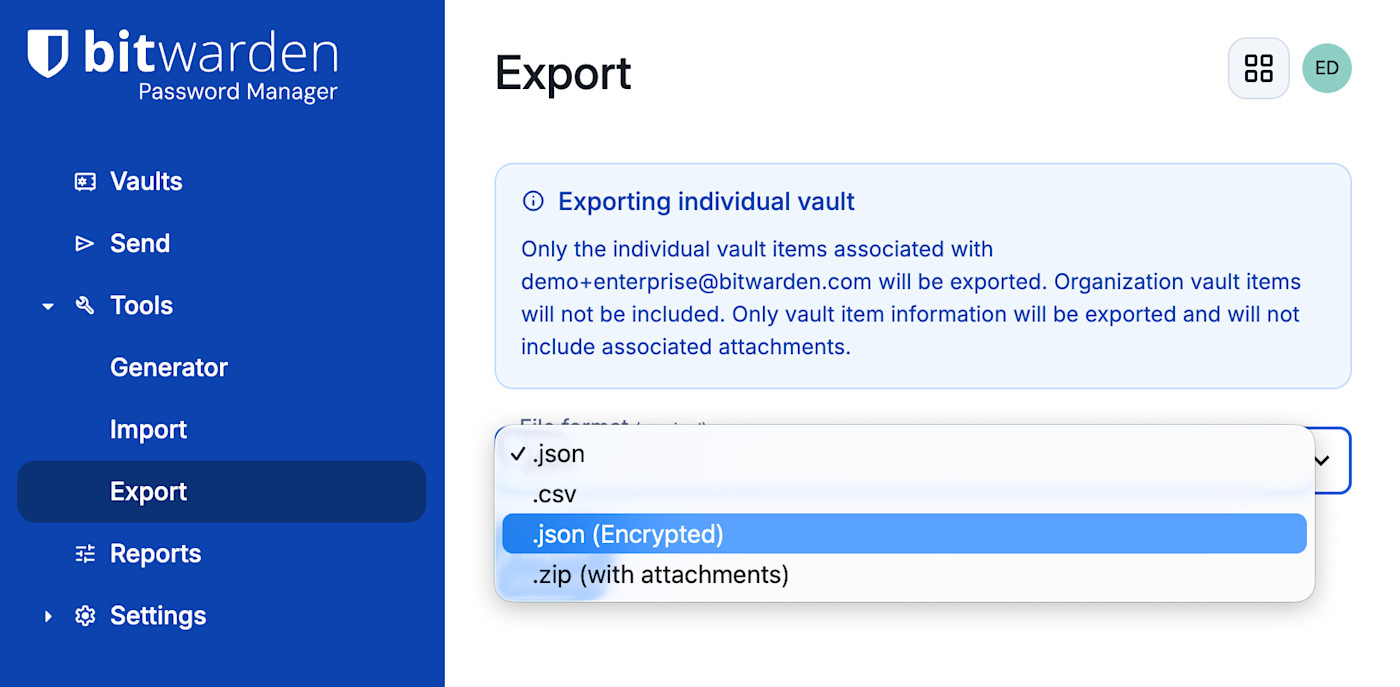
Bitwarden uses end-to-end encryption: data is encrypted locally in the client using industry-standard cryptography before it is sent to Bitwarden’s servers. Vault encryption uses AES-256, with PBKDF2 or Argon2 used for key derivation depending on the configuration. Because the client and server code are open source, researchers and administrators can inspect the exact encryption flow, confirm key derivation settings, and run their own builds.
1Password
1Password also encrypts data client-side using strong cryptography. Its model combines a user-supplied Master Password with a device-specific or account-level Secret Key—a unique, randomly generated value that defends against password-only attacks and server breaches. Because the Secret Key is a proprietary mechanism, it cannot be independently verified from source, but it adds a meaningful layer to the authentication model. 1Password documents its cryptographic design and publishes audit reports and whitepapers, though the implementation code remains proprietary.
Open source: what it buys you and what it doesn’t
Open source provides transparency: researchers can review code, verify that implementations follow documented cryptography, and discover bugs before they reach production. It also enables self-hosting, forks, and sustained community scrutiny.
Auditability and third-party reviews
Both companies submit to external security assessments, but the nature of that auditing differs:
Threat models: where each approach shines
Define your threat model first; it determines which product better fits your needs.
Self-hosting and control
Bitwarden offers an official server you can self-host, with the server source available under an open-source license, though the hosted service the company operates may include some proprietary parts. Self-hosting gives organizations direct control over data, backup, and access policies—but it also requires competent operations staff to keep the server secure and updated.
1Password does not provide an official self-hosting option for its cloud offering. Enterprises can deploy 1Password Business with a range of identity integrations and admin controls, but the operational backend remains under 1Password’s control.
Implementation risks and secure defaults
Even with excellent cryptography, insecure implementation or poor defaults can undermine security. For both products, inspect the following:
Bitwarden’s open-source code makes it straightforward to validate these choices. 1Password documents them and publishes audits; reviewers must rely on vendor transparency and, potentially, NDA-based source reviews.
Enterprise and team features that impact security
Security for organizations is not just about cryptography. Access controls, provisioning, single sign-on (SSO), logging, and recovery workflows matter just as much:
Privacy, legal exposure, and transparency
Open source reduces reliance on vendor claims: you can verify where data is processed, what the code does, and how telemetry behaves. Privacy also depends on operational choices, however—host location, logging, metadata retention, and legal jurisdiction all play a role.
1Password publishes transparency and trust materials and commits to user privacy, but its legal jurisdiction and closed-source nature mean you depend more on contractual and reputational assurances than on code inspection.
Usability vs inspectability trade-offs
Security must be usable to be effective. 1Password is widely praised for its user experience—password generation, autofill consistency, and cross-platform polish are strong—which reduces user friction and risky workarounds. Bitwarden provides a solid user experience as well, increasingly close to commercial competitors, with the added benefit that its codebase can be inspected and customized.
Which should you choose?
Here are practical recommendations based on typical priorities:
Practical checklist for evaluating either product
Further reading
FAQ (short answers to common questions)
Is Bitwarden more secure because it’s open source?
Not automatically. Open source increases transparency and the potential for independent review, but security still depends on correct implementation, strong defaults, timely patching, and good operational practices.
Does 1Password’s Secret Key make it safer?
The Secret Key adds an extra layer of protection against password-only and server-side attacks, but it is not a substitute for other good security practices.
Can I self-host 1Password?
No—1Password does not offer a public self-hosting option for its cloud product. Enterprises use 1Password’s managed service combined with identity provider integrations.
Conclusion
Both Bitwarden and 1Password are secure tools that use modern cryptography and are appropriate for protecting passwords and secrets. For users who emphasize open-source security, the core decision comes down to transparency and control: Bitwarden offers more verifiability and self-hosting options, while 1Password offers a tightly designed, enterprise-focused product with strong protections and a highly polished experience. Choose Bitwarden if you need inspectability, self-hosting, or community-driven assurance; choose 1Password if you want a ready-made, highly polished managed solution and are comfortable with a closed-source model.
Before you commit, document your threat model, review each vendor’s most recent audit materials, and pilot both products with the people who
